Dialer-first CRM · your data on your phone · iPhone
Import. Call. Close.
FuaFlow CRM turns your lead list into back-to-back calls: every call gets logged, every appointment booked, and every sale measured. All on your phone — not in someone else’s cloud.

14-day free trial the first time · then a monthly subscription or a one-time purchase at your country’s price
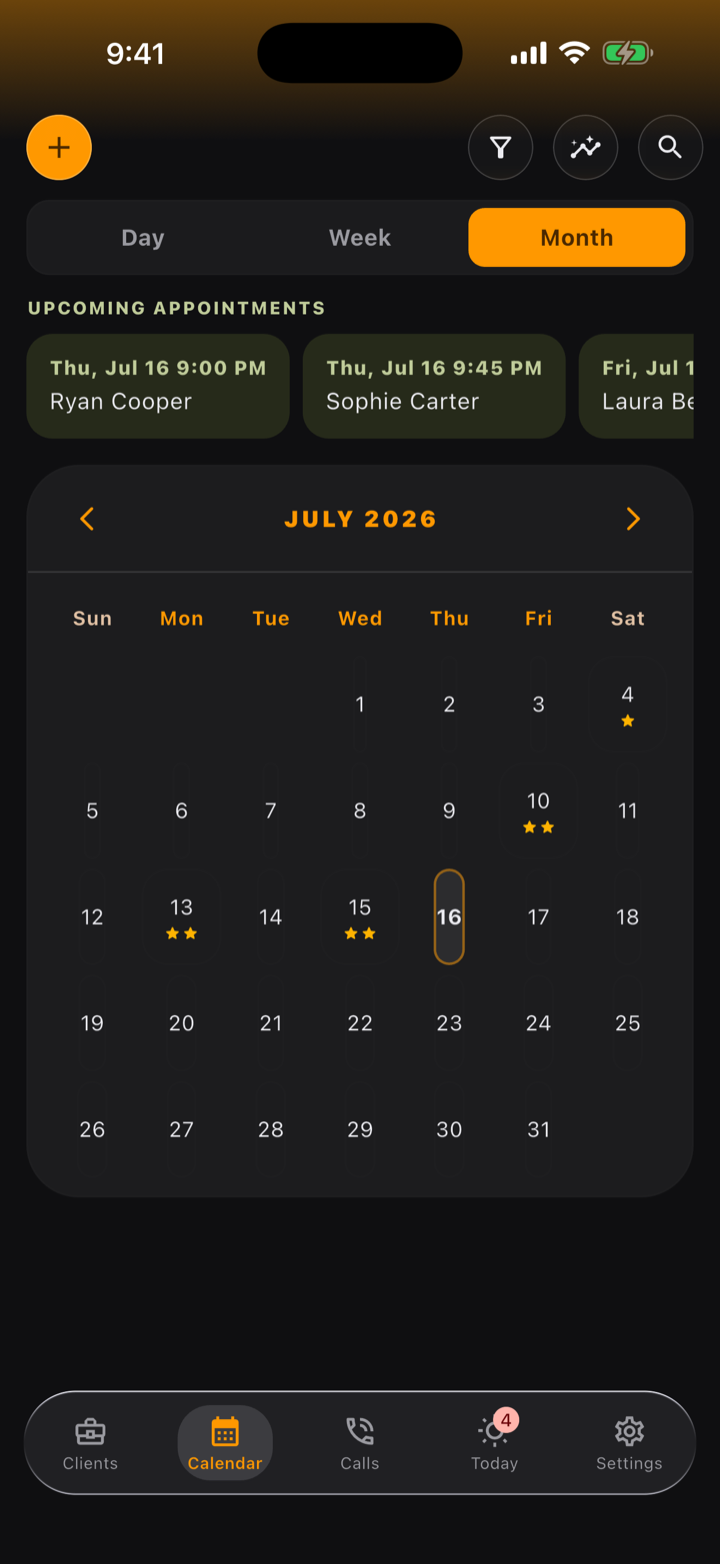
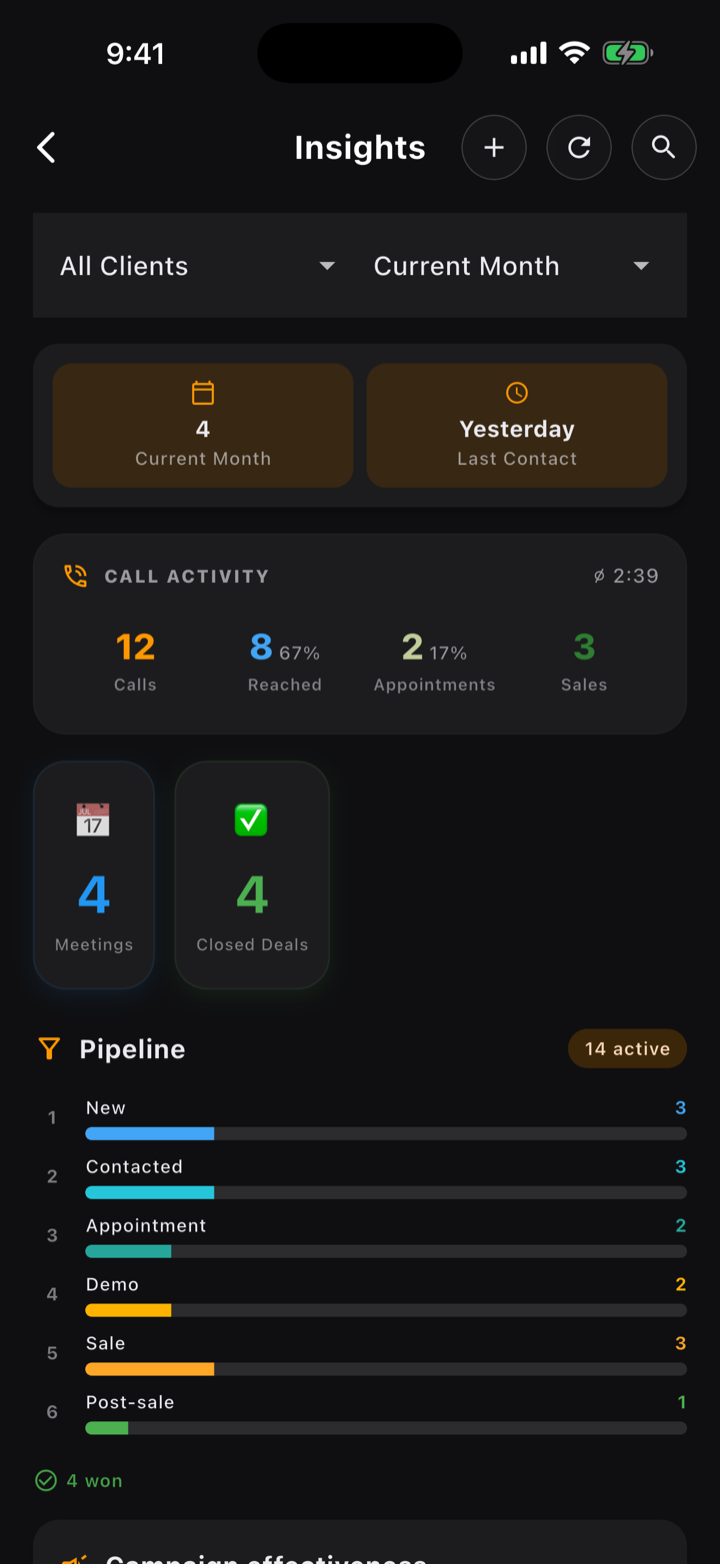
A day with FuaFlow CRM
From the spreadsheet to this: what the day looks like when your list becomes back-to-back calls.
-
08:12
The list loads itself
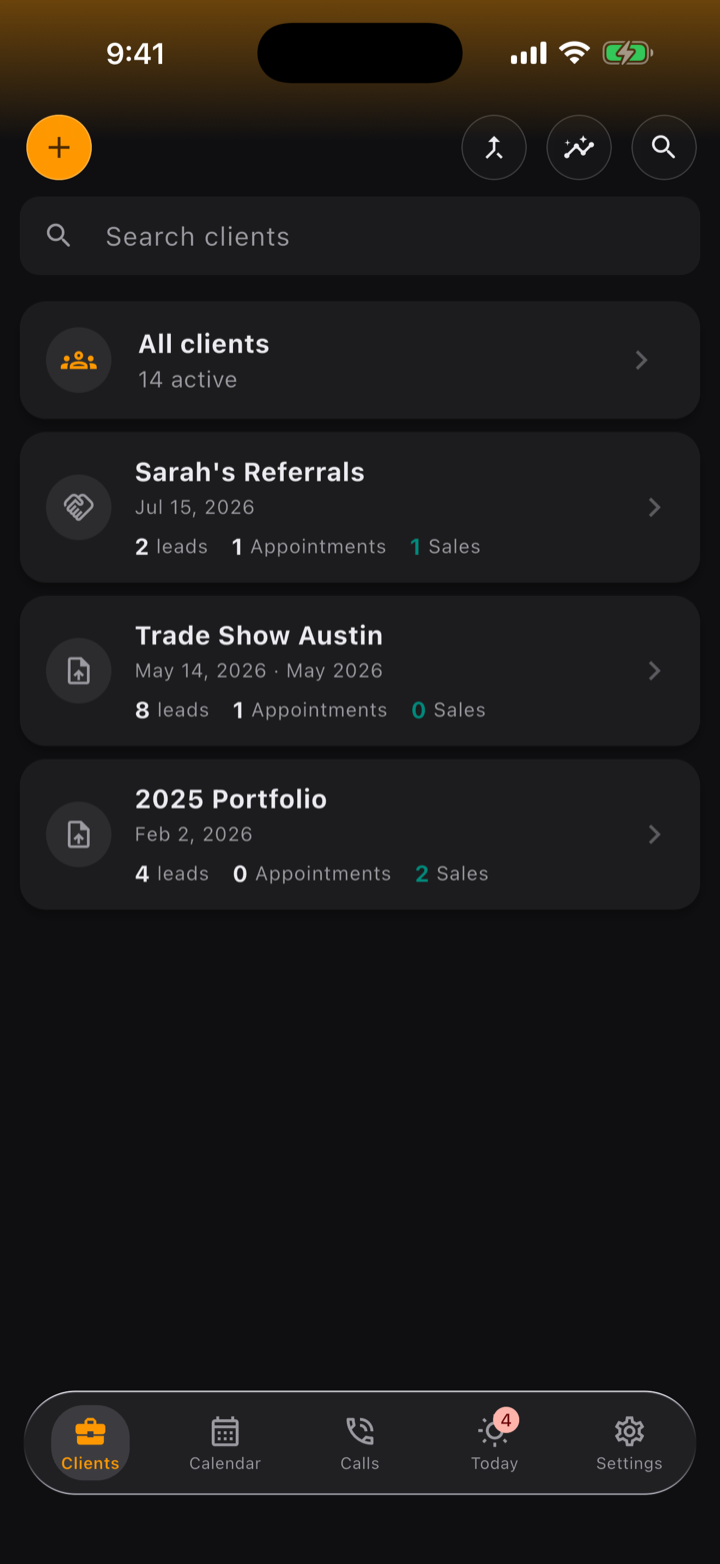
Bring your leads in from a CSV or straight from your phone’s contacts. FuaFlow CRM catches duplicates by phone number and enriches without erasing what you already had.
-
09:41
Dial back-to-back, log as you hang up
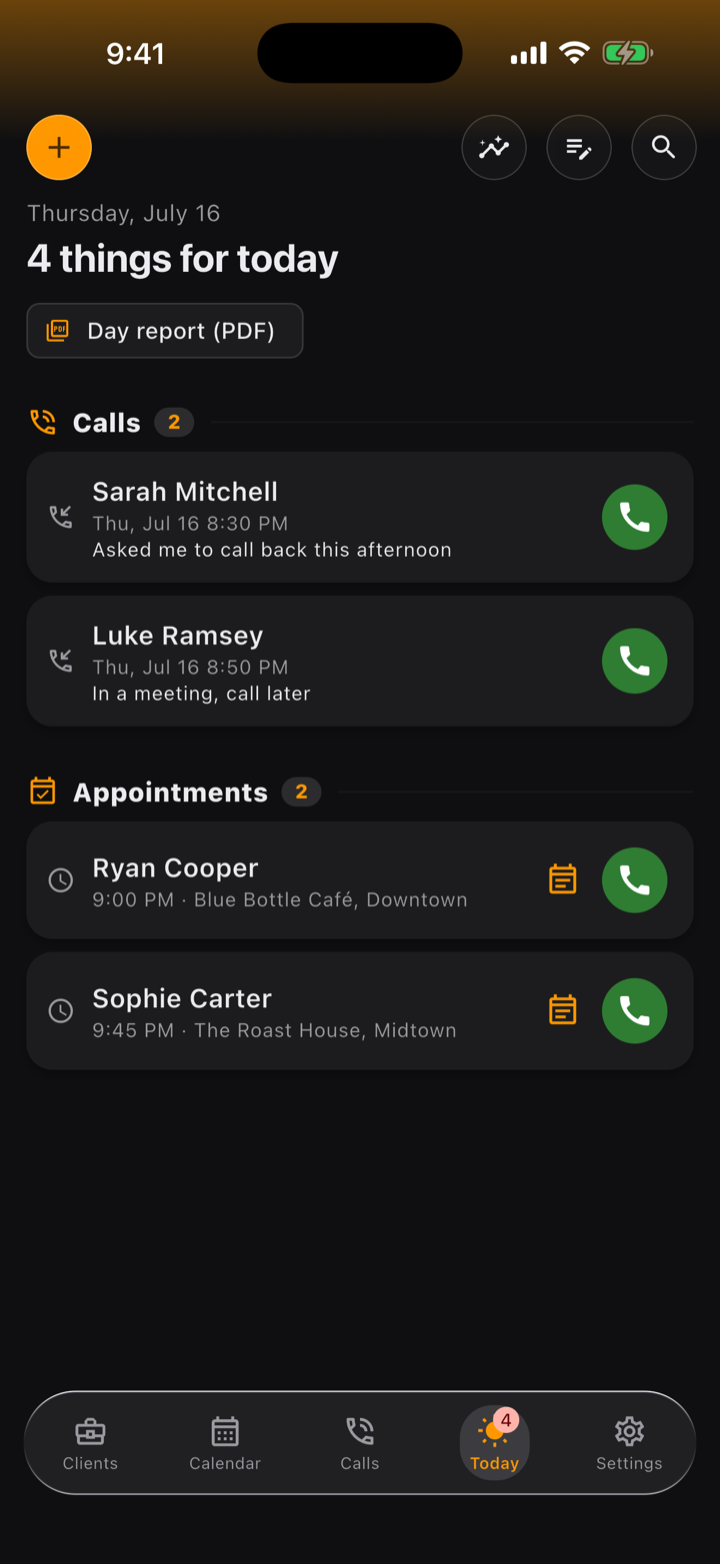
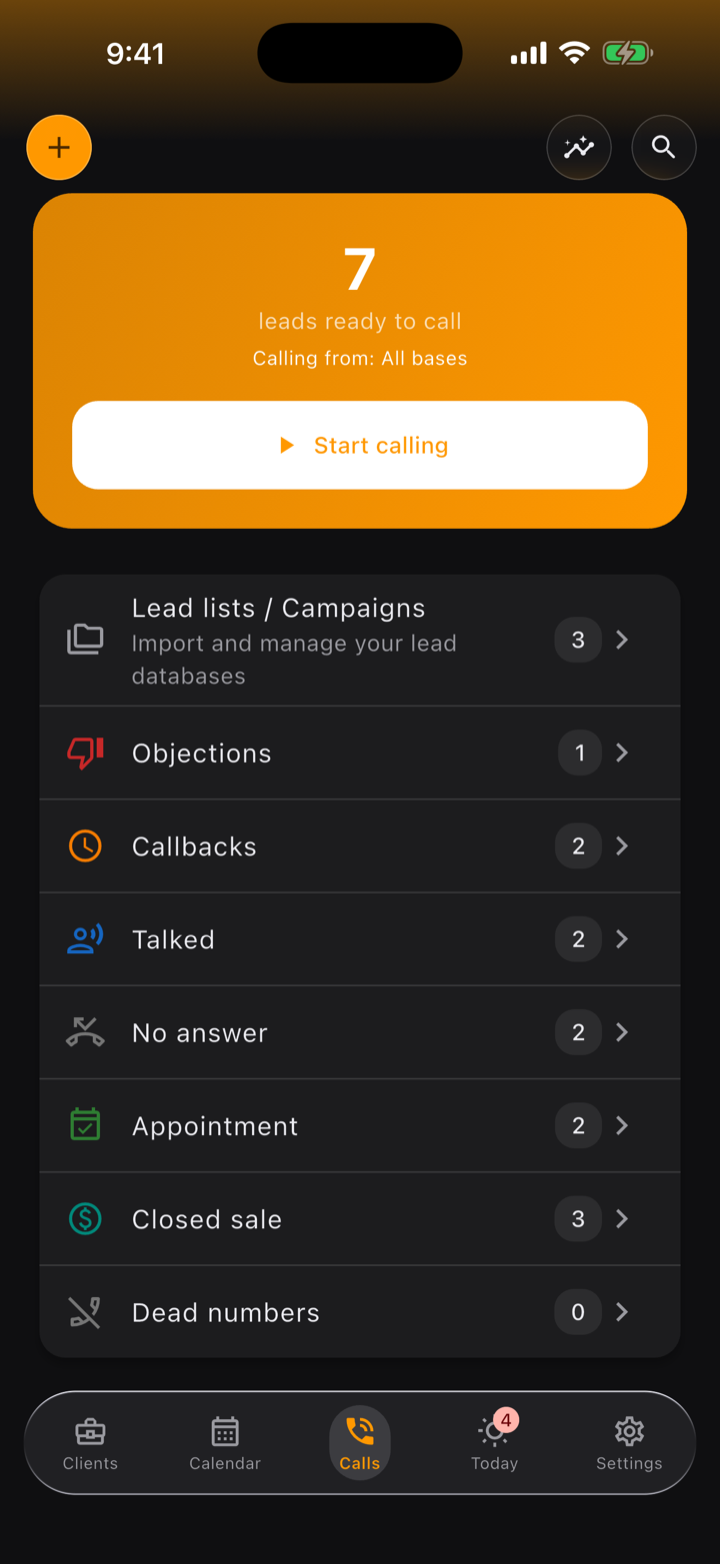
FuaFlow CRM orders your calls by lead quality. When you hang up, one tap logs what happened — and a sale is not the same as an appointment.
-
11:05
The appointment is locked in
Who, when and where — your client shares their location on WhatsApp and FuaFlow CRM saves the exact pin. On the day of the visit, “Directions” opens the route.
-
11:32
The client, in their own voice
Hold the mic in the client’s Activity Log and let go: the note lands as a bubble with its time, right next to the history. It stays on your phone and travels in your backup.
-
13:20
“Call me later” never slips away
Every callback promise stays pinned on your Today screen until you resolve it. Overdue ones turn red — no lead goes cold in silence.
-
18:05
Sale!
Log it as you hang up and FuaFlow CRM celebrates with you — confetti and cash register included. The sale feeds its campaign’s scorecard on its own.
-
18:22
Collections and delivery, under control
Financed sale? FuaFlow CRM keeps the payment plan, and every payment shows up on your Today screen — on the due date or as many days ahead as you choose — until you mark it paid. And when you deliver, inventory counts itself down.
-
20:30
The day closes with numbers
Every list keeps its own numbers: contacted, appointments, sales and conversion — and Objections shows the no’s you hear most. You know which list is worth running again — with numbers, not hunches.
From lead to aftercare, no spreadsheets
FuaFlow CRM’s pipeline is eight real field-sales stages — from the lead coming in to getting paid and delivering. And if your process is different, rename and reorder them as you like.
New
Enters your base from CSV or your contacts.
Contacted
You’ve talked — the lead knows who you are.
Appointment
Date, time and place locked, with a reminder.
Demo
You met the client and presented.
Sale
The close is signed. It measures itself.
Collection
Every payment in the plan waits on Today until you mark it.
Delivered
Delivery done, stock counted down.
Aftercare
Follow-up for the next purchase.
Your clients live on your phone.
FuaFlow CRM has no servers of its own, no accounts, no trackers, no ads: your data never goes through us. The only thing the app sends over the internet on its own is a check of your purchase, through our provider RevenueCat.
- Everything lives in a local database on your phone; your backup — voice notes and photos included — stays with you or goes to your own cloud.
- Contacts, microphone and location only work for your base, on your device — nothing goes through us.
- You can protect the app with Face ID or your phone’s biometrics; your own system does the checking.